May 2025 Release Notes
The momentum continues in May with powerful new audience capabilities, campaign bidding enhancements, enriched reports, and usability improvements.
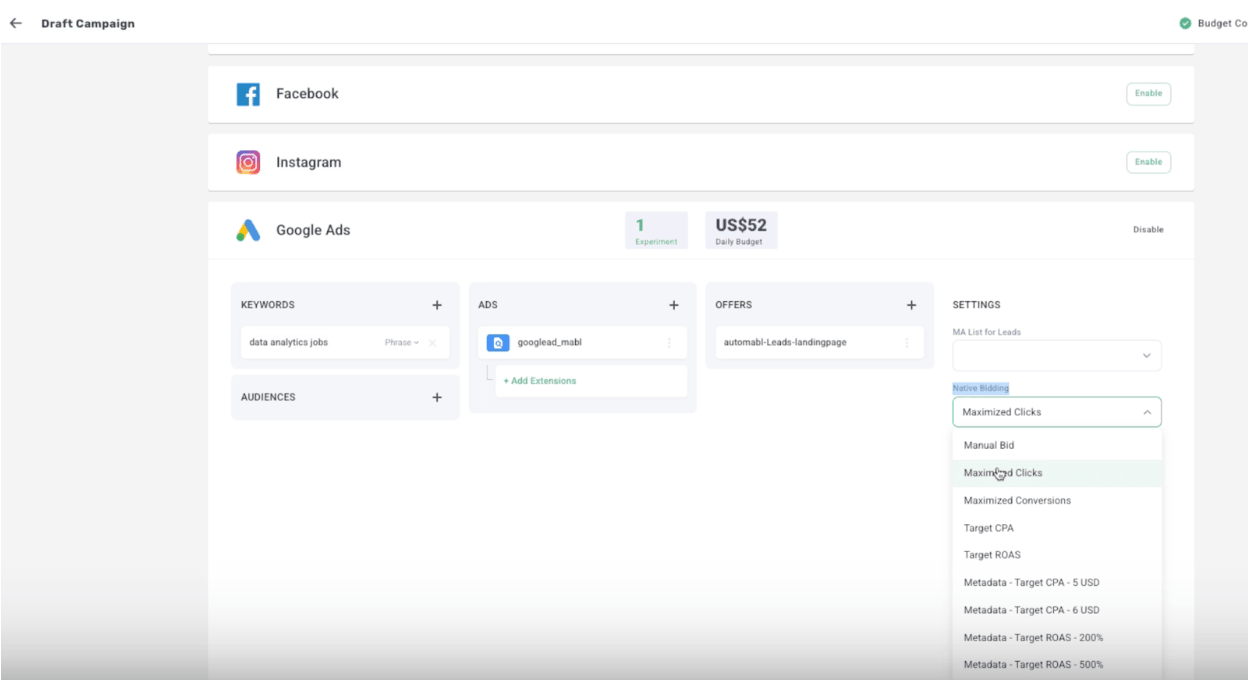
Maximize Clicks bidding for Google
New bidding option for Google Lead Generation campaigns to increase keyword visibility and identify keywords needing attention.
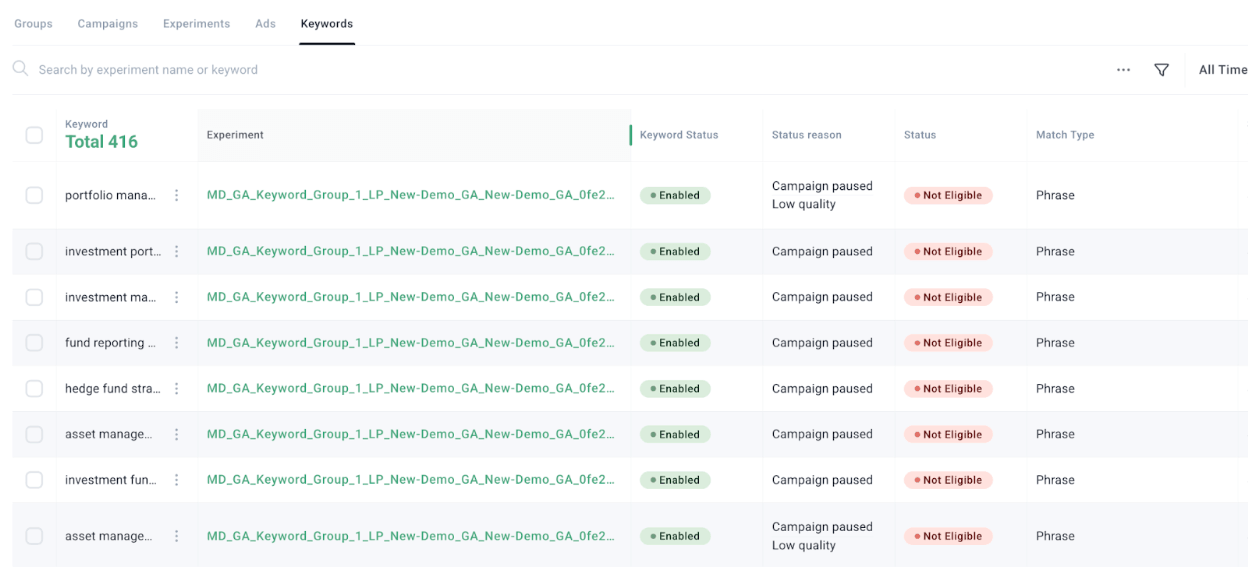
Pull keyword status from Google
Renames the Status column to Keyword status and adds Status and Status reason columns for complete keyword context.
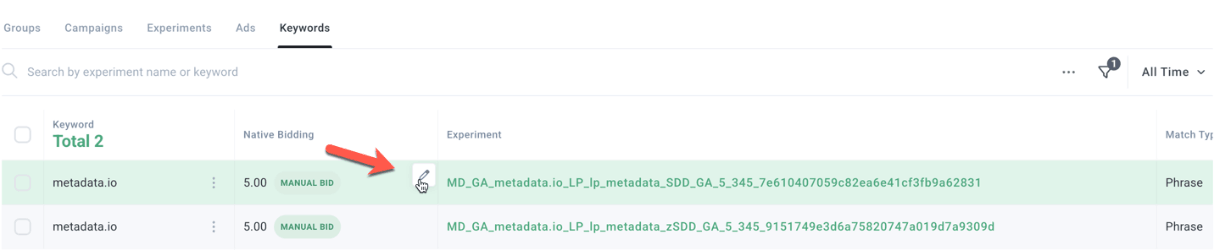
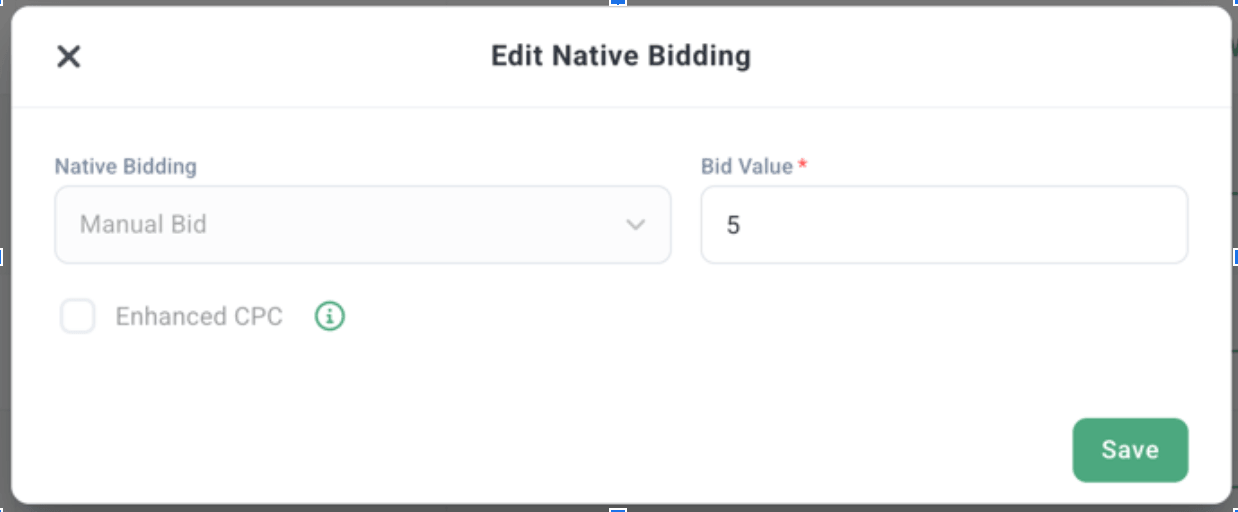
Google bid editing at keyword level
Syncs additional Google keyword data including native bidding, estimated bids, and expected additional clicks and weekly cost.
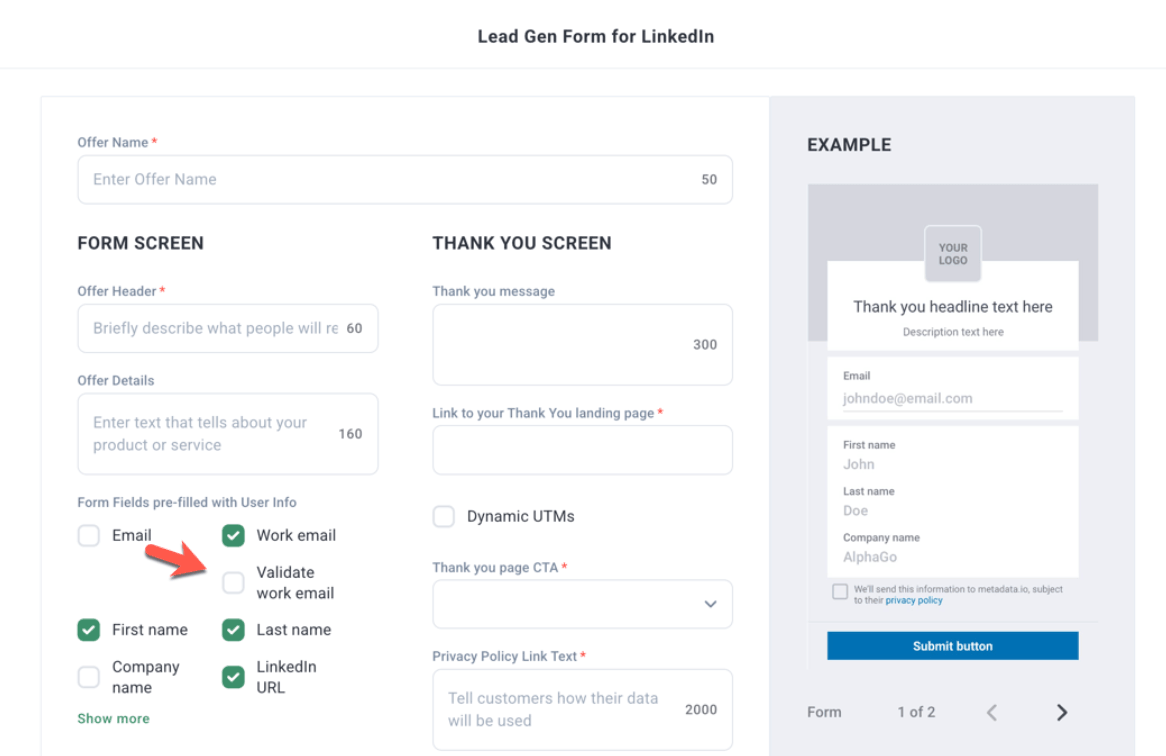
LinkedIn validate work email
Adds a Validate work email checkbox for LinkedIn LeadGen forms to enhance lead quality.
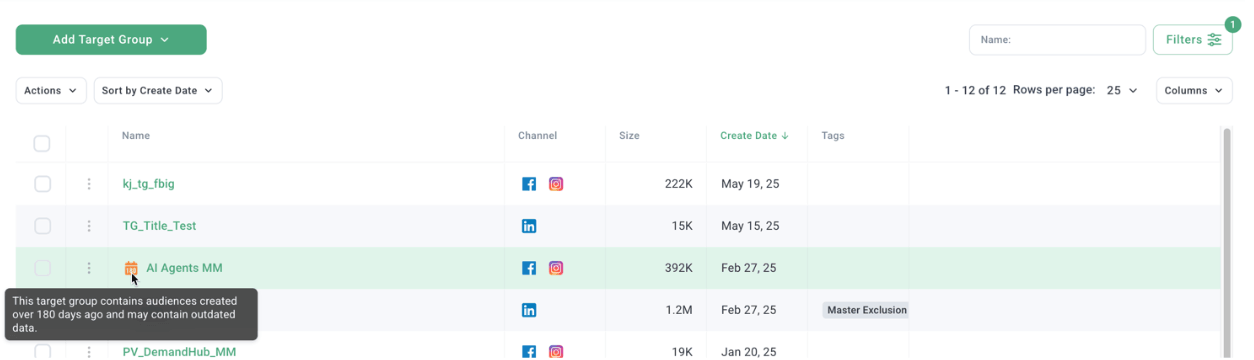
Indicate target group with stale audience
Displays a 180 icon next to target groups containing outdated audiences.
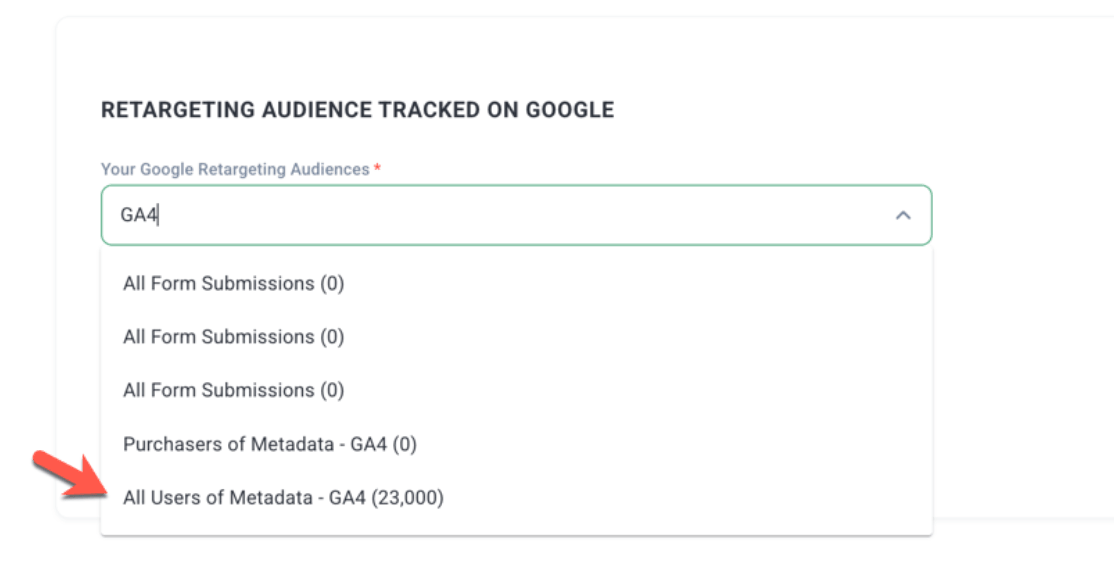
GA4 retargeting for Google Ads
Integrates GA4 retargeting options into Metadata for Google Ads campaigns.
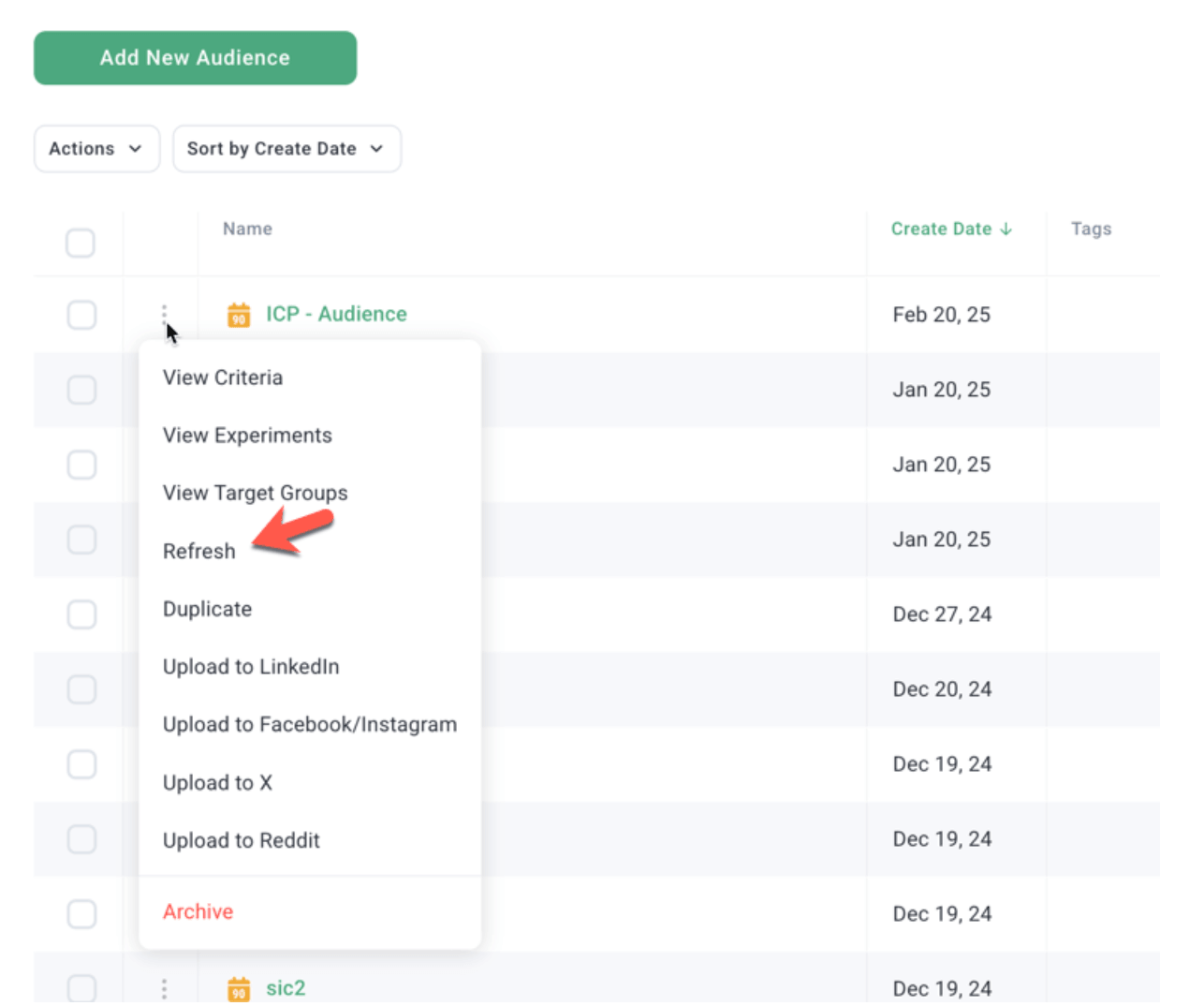
Refresh audiences full cycle
Single-click full refresh cycles for outdated audiences, limited to audiences under 180 days old.
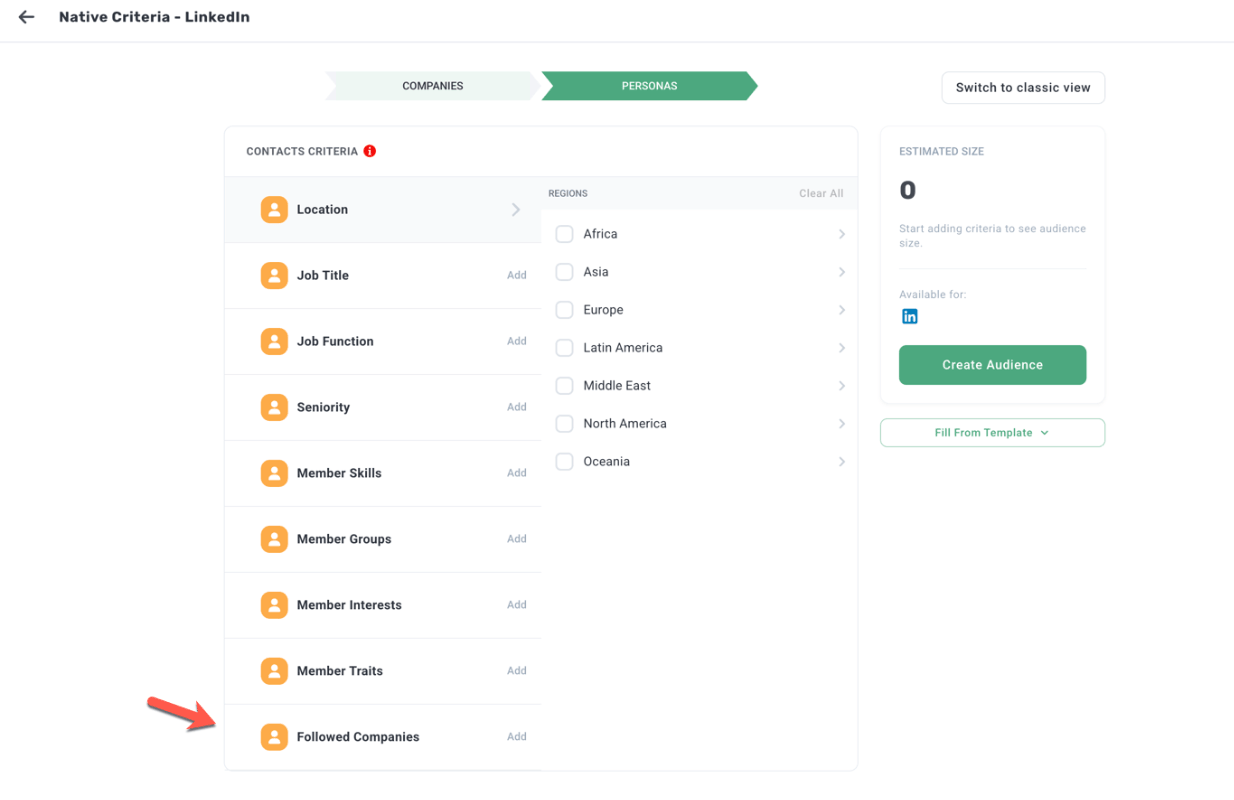
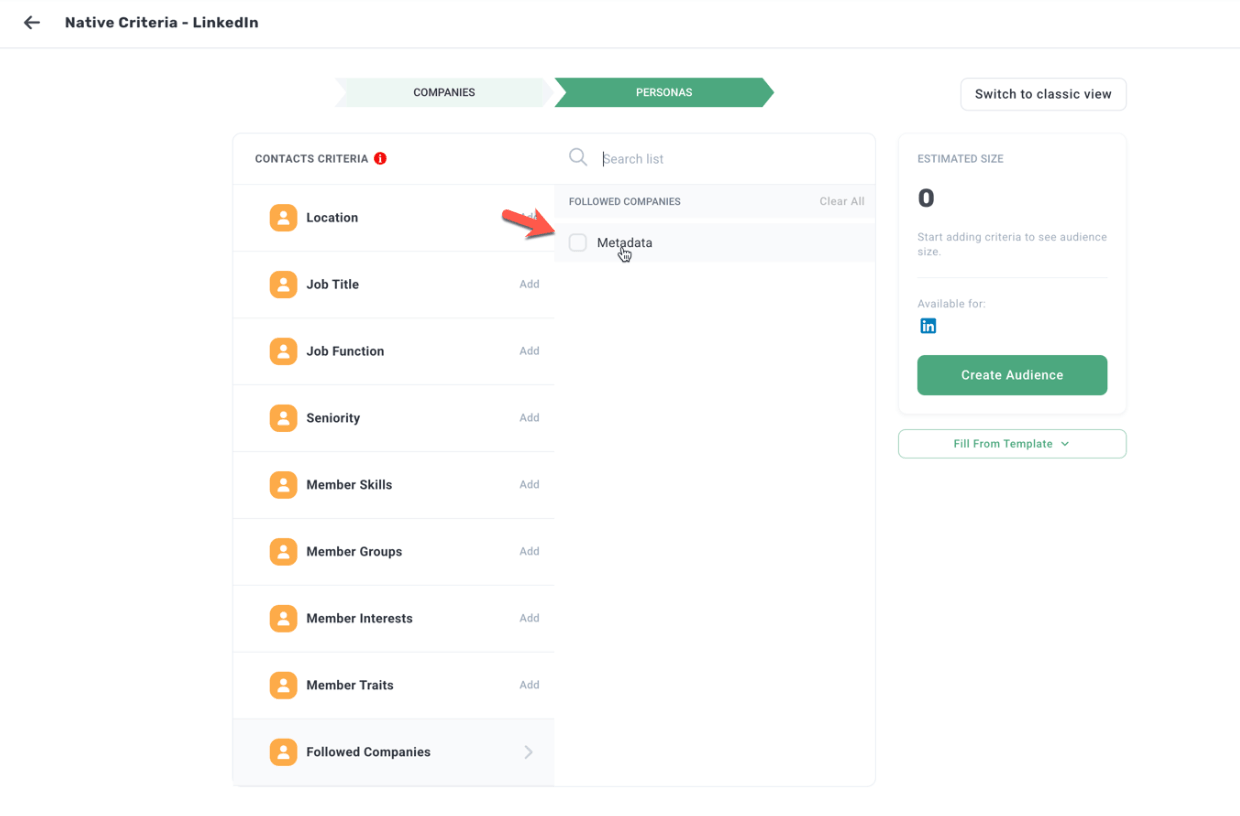
Company followers on LinkedIn
Native targeting for Company Page Followers for refined brand-engagement targeting.
Performance by channel with filters
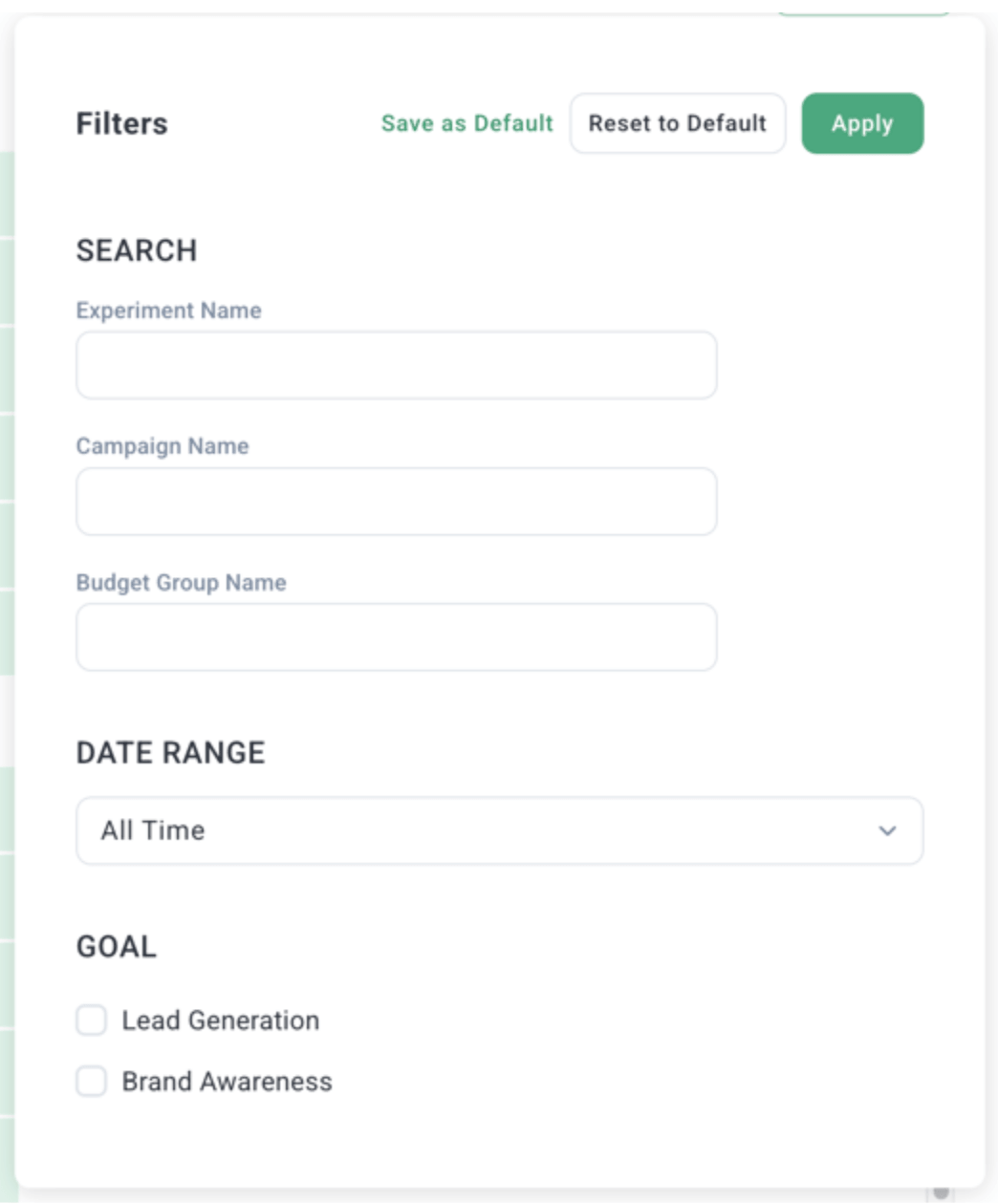
Adds filtering options (Experiment, Campaign, etc.) to Performance by Channel reports.
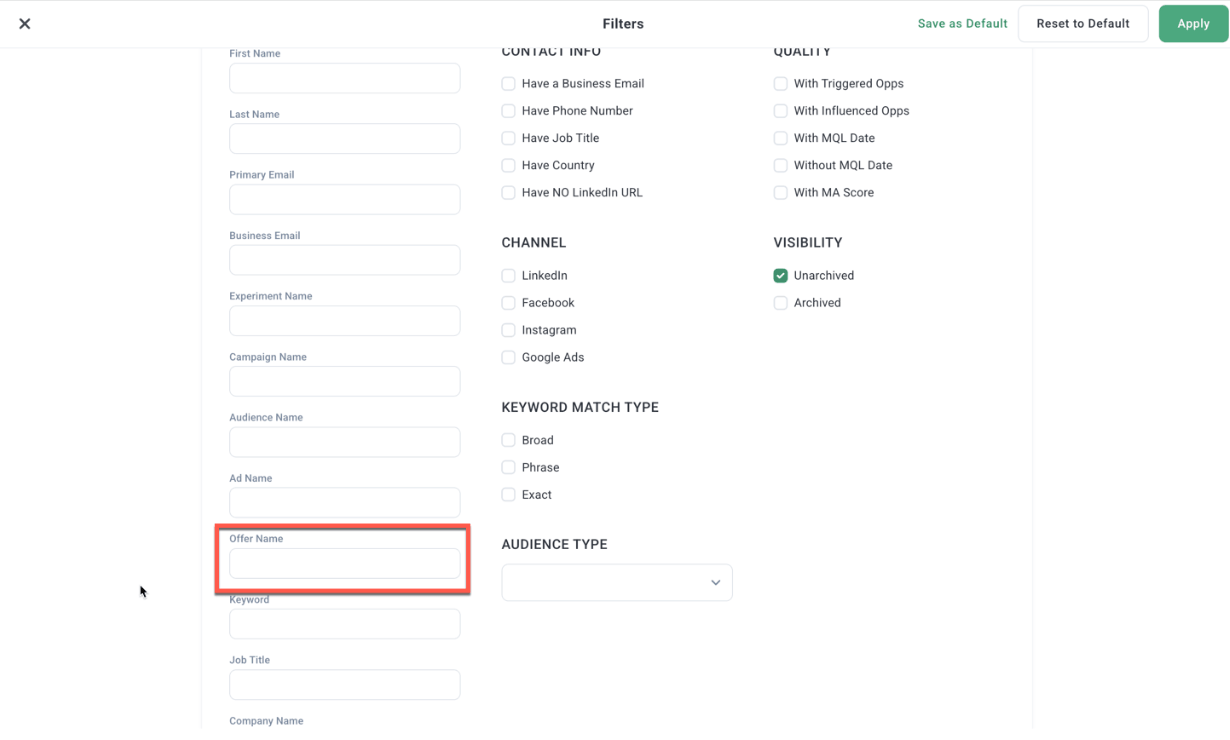
Filters for leads table
Filter the Leads table by Offer Name.
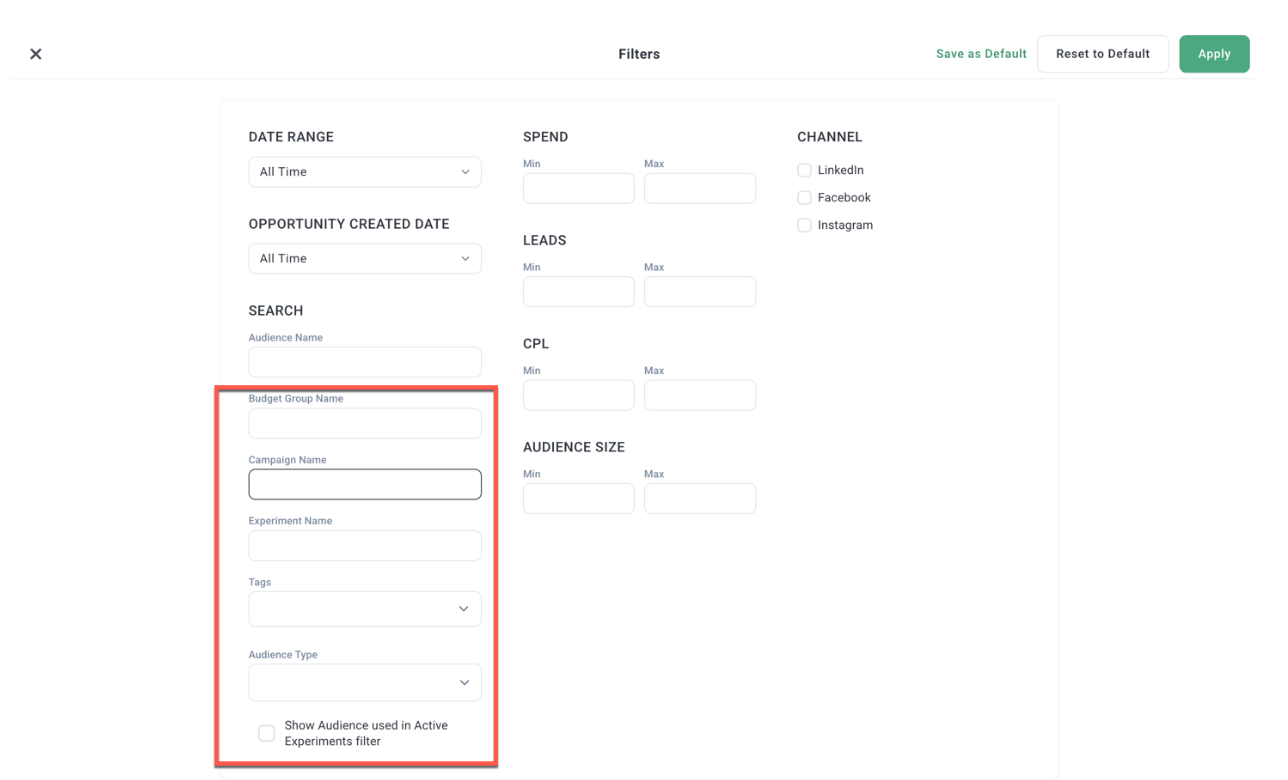
Filter audiences by group, campaign, experiment
Filter Multivariate Audiences reports by Budget Group, Campaign, and Experiment.
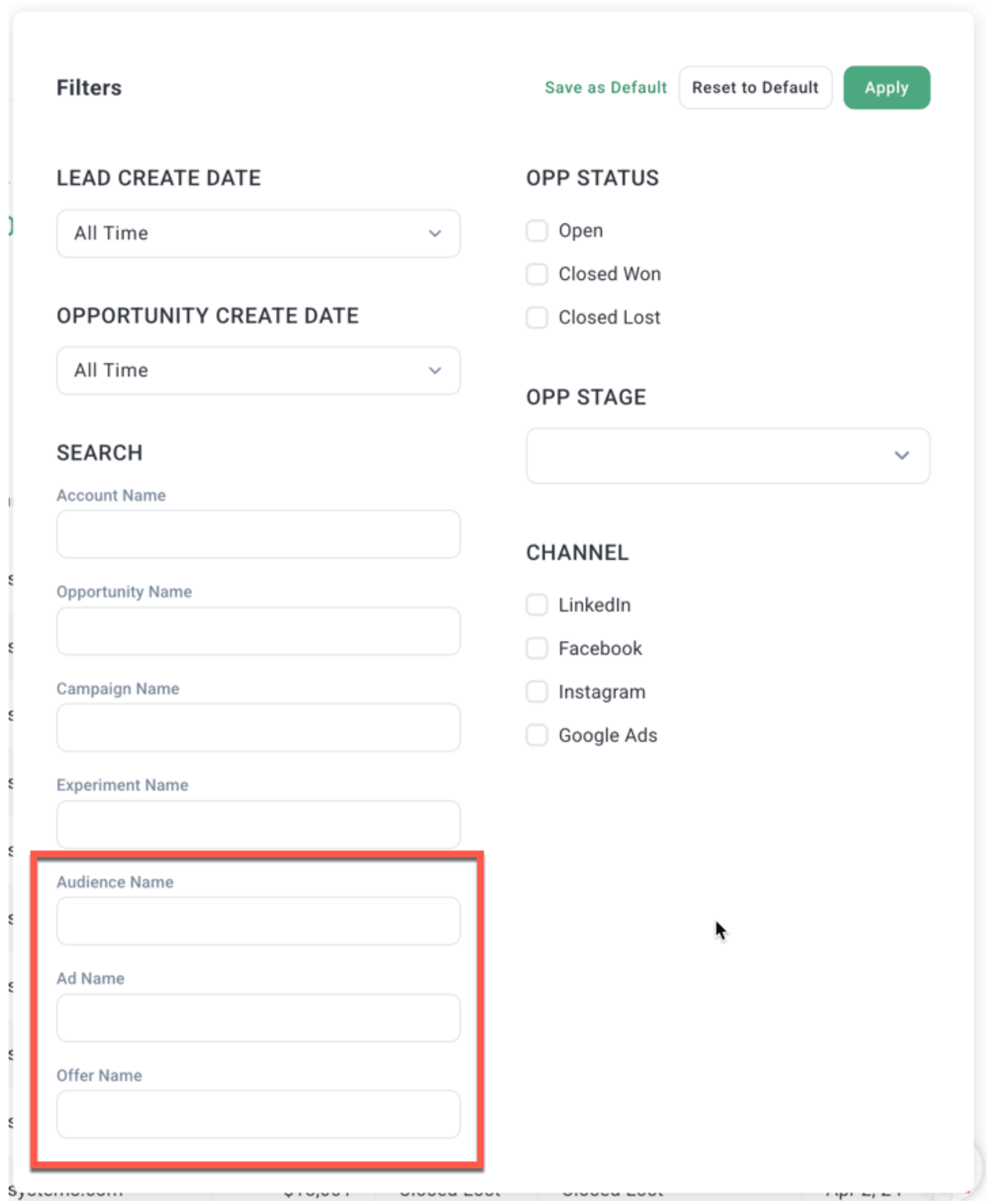
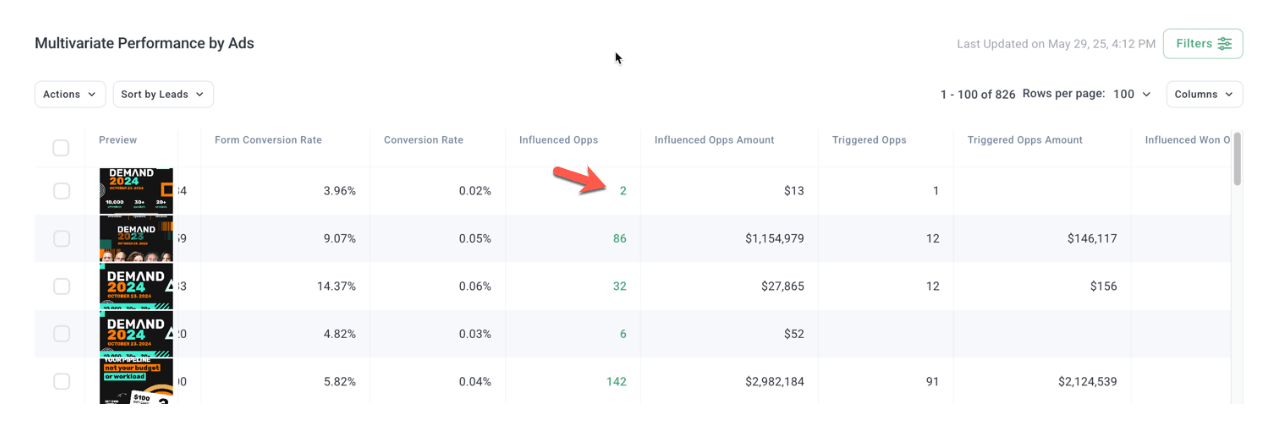
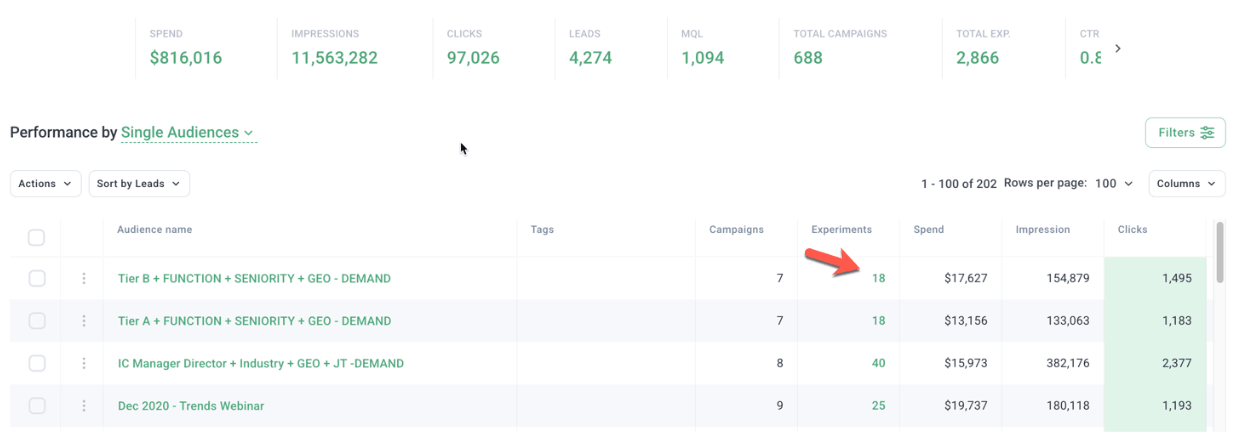
Opportunities filters & click-through
Adds filtering to the Opportunities table and click-through navigation between reports.
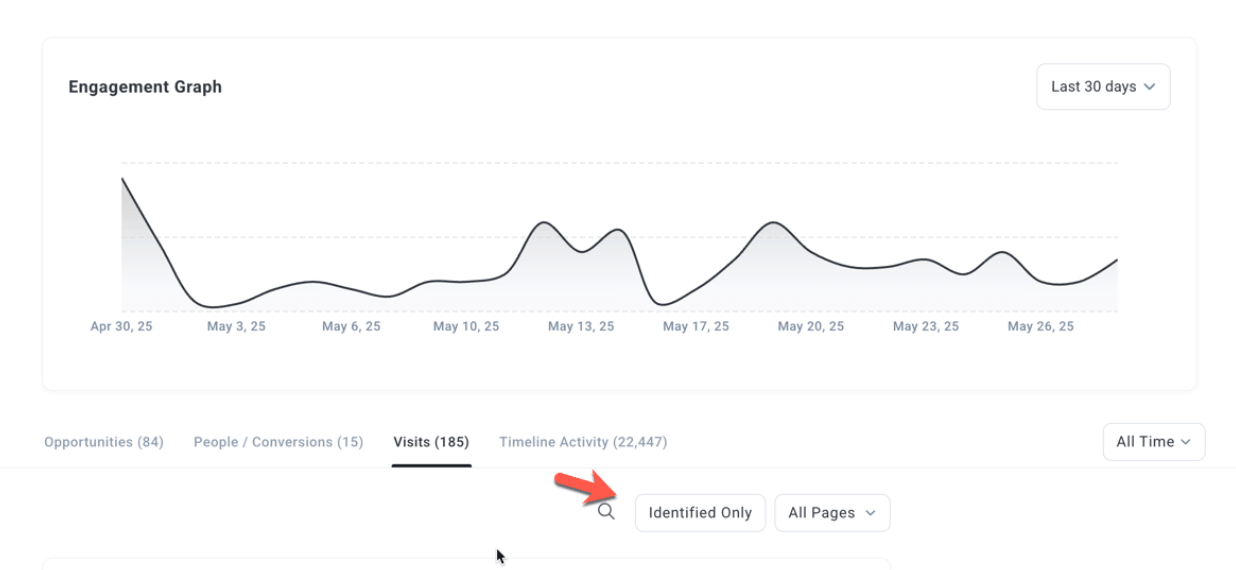
Filter identified visitors
Filter the Account Journey report to display only identified visitors.
See what's new in the product.
Get a walkthrough of the latest Metadata capabilities.